Stay on Track.
Manage Your Time.
A clean and distraction free time management tool to boost your productivity.
A clean and distraction free time management tool to boost your productivity.

A Simple and Intuitive design that keeps focused.
Precisely track you time with reliable countdown.

Instantly update and manage timers in real time
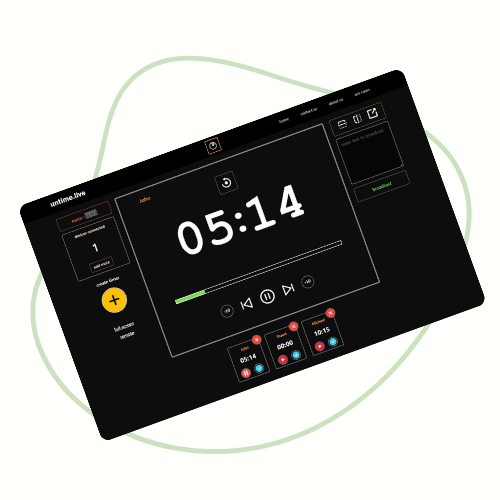
Take full command with our intuitive Admin Page. Create and launch timers in seconds, view your room name and code, track connected devices in real time, and send instant updates to every remote device.
Join instantly using the room code from the Admin Page. Control the timer remotely—start, pause, or reset—without being in the same room. While you can’t create timers, Remote Mode keeps sessions running smoothly for moderators and facilitators.
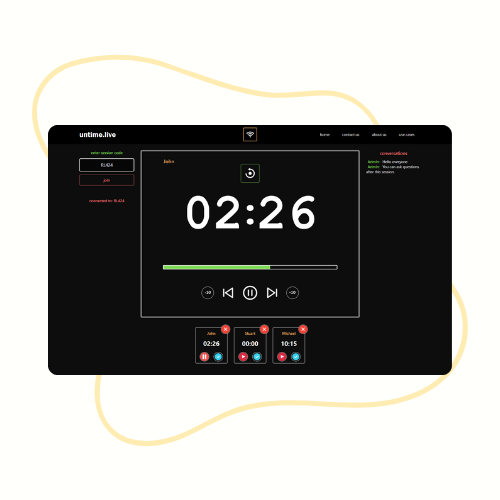
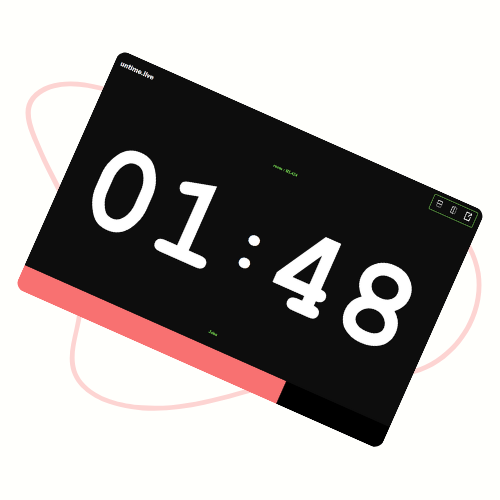
Experience the timer in its simplest form. Full-screen mode shows only the essentials—timer, name, and room code. With no controls, View Mode is perfect for audiences or displays needing clarity, focus, and distraction-free time tracking.
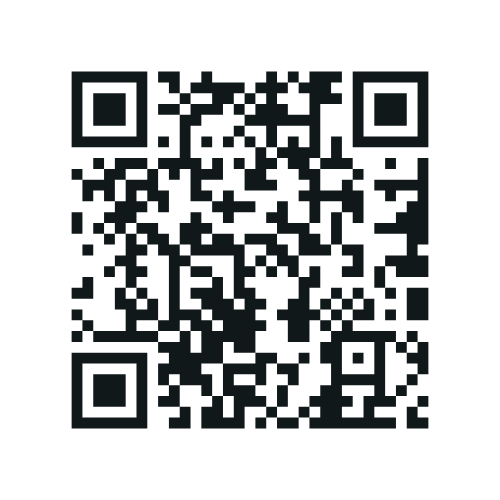
Connect in seconds using a unique code or quick QR scan — no delays, just instant access.
Join Instantly via Code or QR
Join directly from any browser without downloading or installing anything.
No App Installation Required
Enjoy all features without subscriptions, payments, or hidden charges.
Completely Free to Use
Manage connected devices remotely, whether you’re across the room or across the world.
Control from Anywhere, Anytime
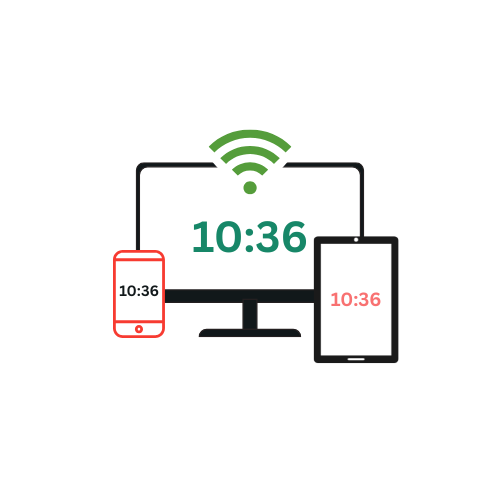
Connect and control multiple devices simultaneously for seamless collaboration.
Multi-Device Support
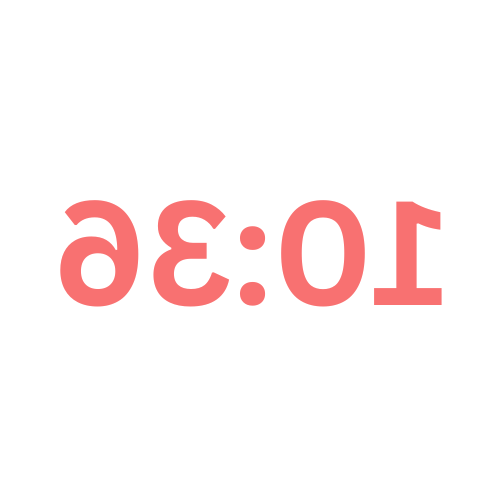
Easily switch layouts or orientations to suit your preferences.
Flip View to Match Your Needs
Communicate instantly with every participant through direct on-screen messages.
Send Messages to All Connected Devices
Stay in control even if the page reloads — admin rights remain intact.
Admin Persists After Refresh
How it works?

Where to use it?

Event coordinators can remotely manage a speaker's time limit from backstage, giving speakers a clear countdown without interrupting them.

A teacher can start, pause, or reset a countdown timer from their phone while students see it displayed on a projector or shared screen. Great for quizzes, group activities, or time-boxed tasks.

A trainer can control a visible timer for circuits, HIIT, or yoga from a remote device without walking to the main display each time.

In a commercial kitchen, a chef can control a timer on a display from anywhere in the kitchen, keeping their hands free from touching the main device.

A group of students studying together remotely can sync to the same timer and have one person control it for the whole group.

In hybrid meetings, a facilitator can manage speaking times or breaks via their phone, with everyone seeing the same synced timer.